 VijiTek
Windows
Windows x64. Install for yourself without admin rights, or for all users.
Updates from inside the app Database manager by VijiTek
Browse data, run queries, edit records and manage schemas for PostgreSQL, MySQL, MariaDB, SQL Server, SQLite and MongoDB. One desktop app, no server to run, and your credentials stay in an encrypted vault on your computer.
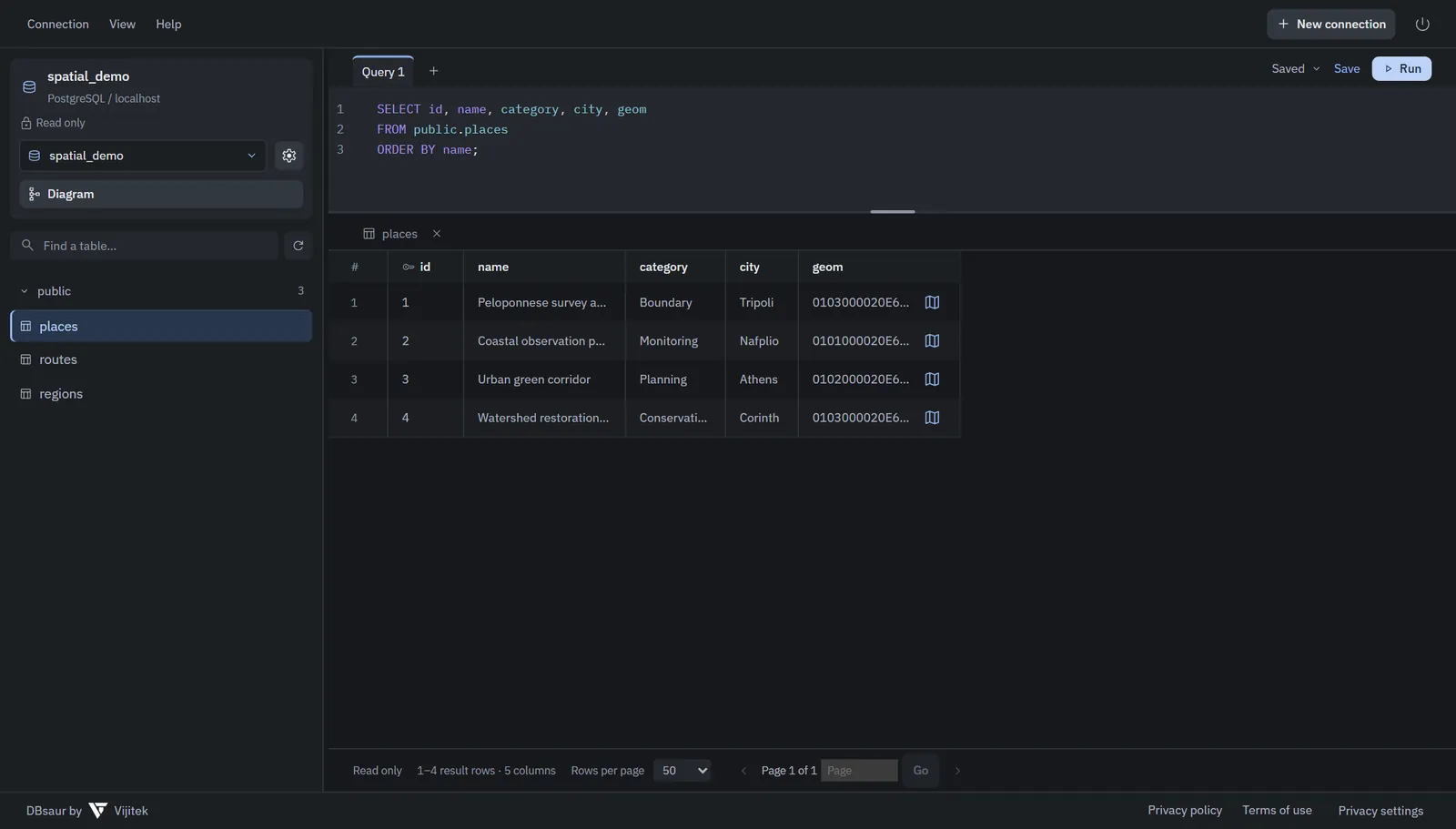
Everything for day-to-day database work, in a fast native window.
PostgreSQL, MySQL 8+, MariaDB 10.6+, SQL Server 2016+, SQLite and MongoDB, side by side.
Independent query tabs with SQL completion, and queries you can save locally and reuse.
Sortable, paginated tables. Inspect a cell, copy values, or export the current page.
Insert, update and delete records. Changes are listed for review and only commit when you choose Save.
Walk through databases, schemas, tables, columns, keys and relationships, or see them as a diagram.
A built-in, read-only sample workspace lets you explore the app before connecting anything.
Screens rendered from synthetic sample databases.
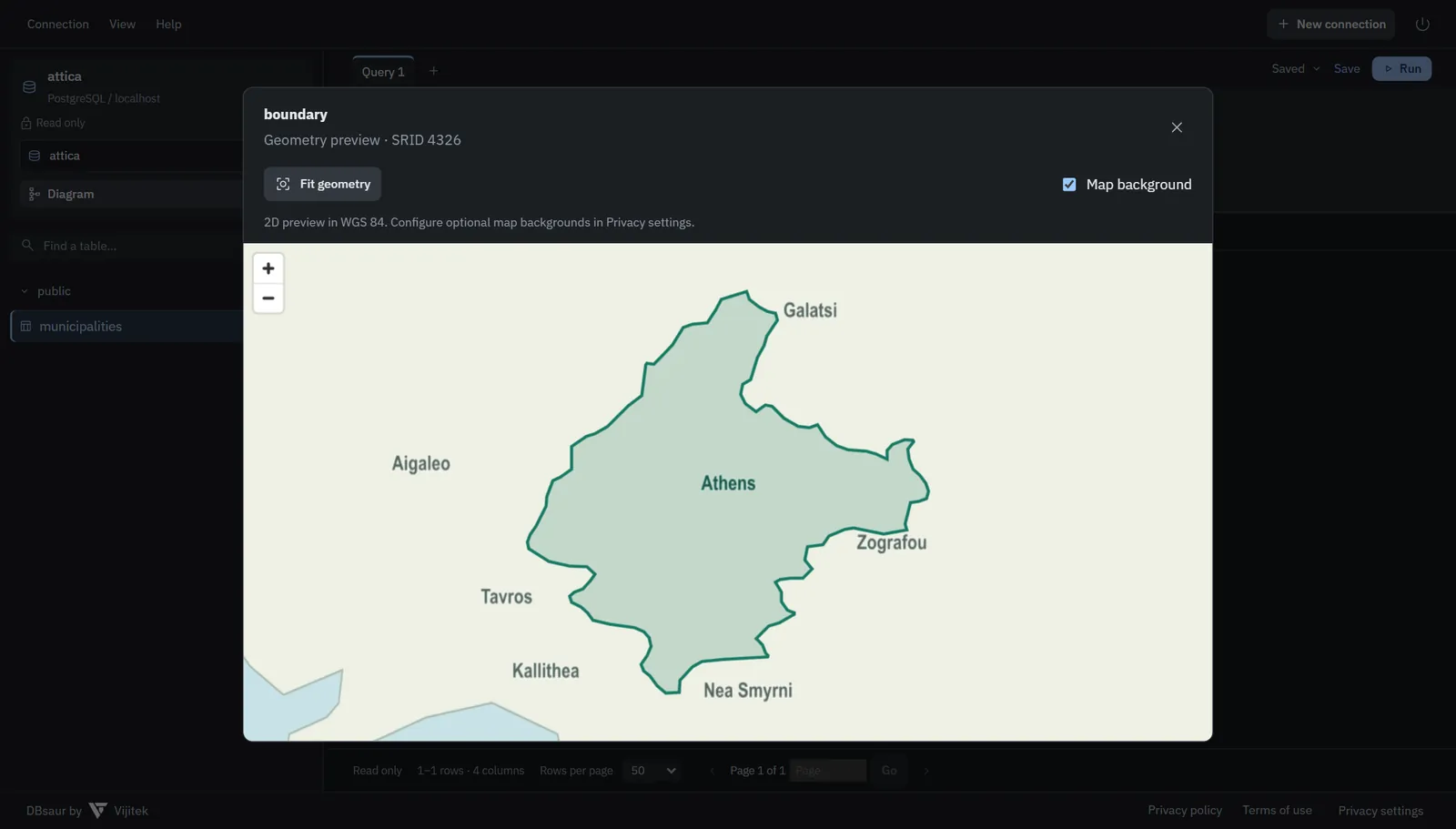
Click the map icon on a geometry or geography cell to preview a boundary like the Municipality of Athens in Attica. The preview works offline by default and supports an optional basemap.
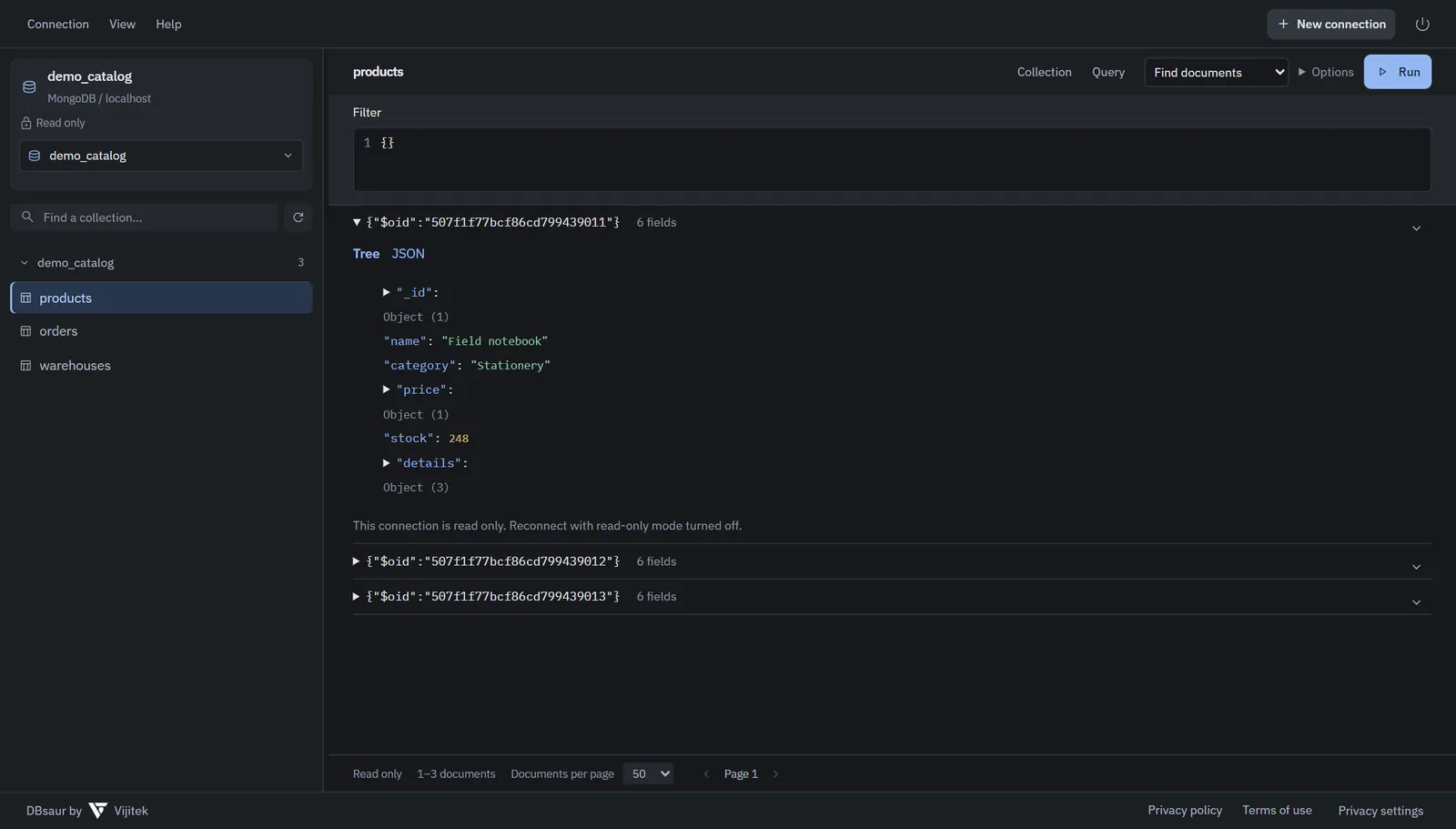
Filter collections, read documents as a tree or highlighted JSON, edit them, and run read-only aggregation queries.
DBsaur is a single-user desktop tool. It talks to your databases and nothing else.
Saved connections and credentials are kept in an encrypted local vault, with encrypted backup and recovery.
Mark any connection read only. Browsing uses read-only transactions where the database supports them.
No analytics and no font CDNs. The built-in API listens only on your own computer and stops with the app.
The Windows, macOS and AppImage builds check for new releases and verify each update before installing.
Free and open source. Always the latest release, straight from GitHub.
Windows x64. Install for yourself without admin rights, or for all users.
Updates from inside the appmacOS 11 or newer. One universal app for Intel and Apple Silicon.
Drag DBsaur into Applicationsx64 with WebKitGTK 4.1, such as Ubuntu 22.04 or newer.
AppImage updates itself; .deb and .rpm update through your package managerDBsaur is in early development. Edits commit when you choose Save and can be irreversible, so connect with only the permissions you need and keep backups. Checksums, release notes and source: DBsaur on GitHub
SQL, MongoDB and PostGIS without a server, an account or a browser tab.