 VijiTek
 Console
Sign in to manage your projects, environments, and services.
 VijiTek Console
 is our developer cloud, managed from your browser. Create a project, set up its environments, enable the services you need, and issue API keys for your applications.
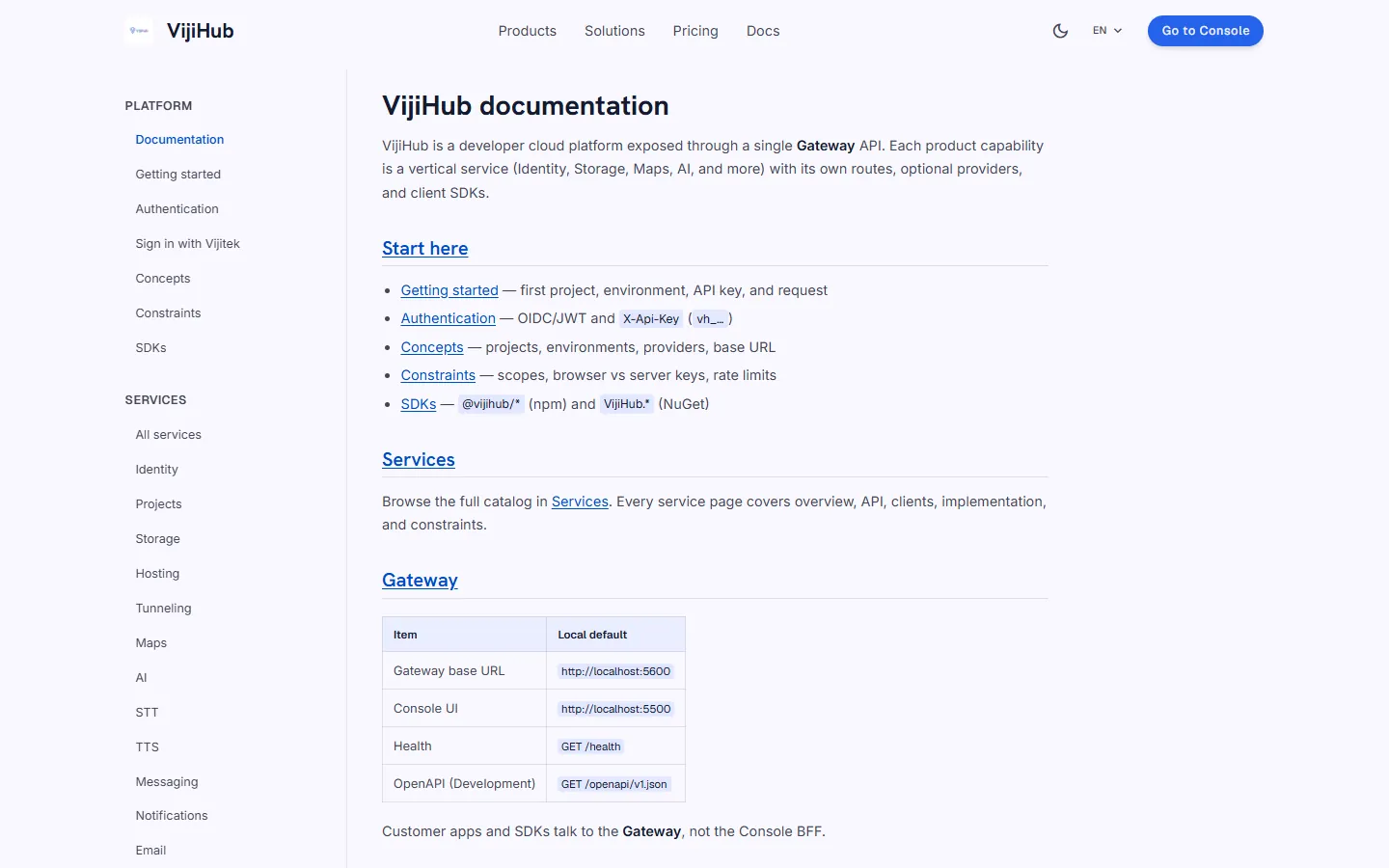
Start in the console, then use the VijiTek Console gateway API or an SDK from your application.
Organize an application as a project and configure its services per environment.
Enable services such as Maps, Storage, or Identity for the environment that needs them.
Create an API key for your environment and use the developer guides to make your first request.
See the sign-in screen and the public VijiTek Console service reference.
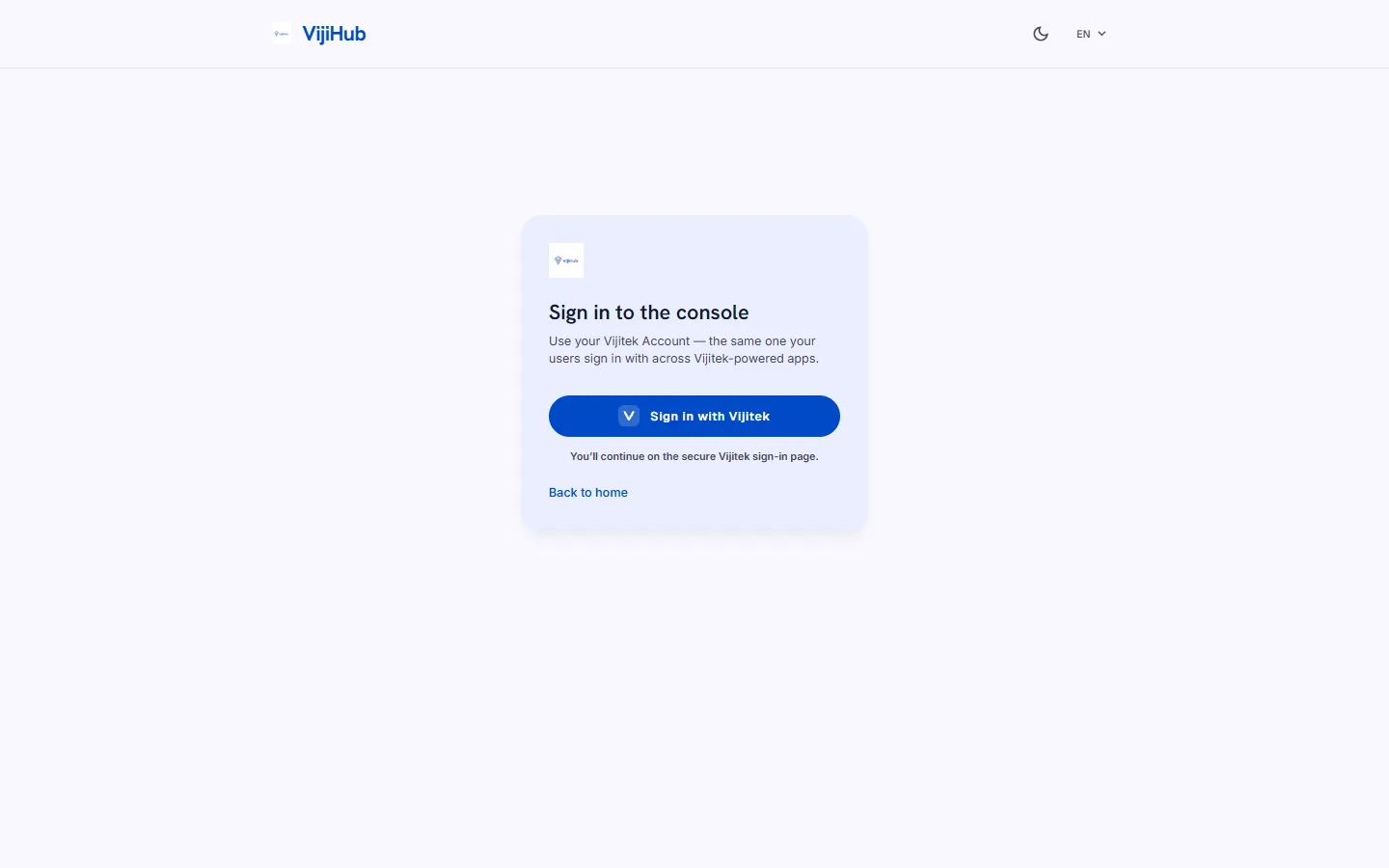
The sign-in page opens your VijiTek account before taking you to your projects.
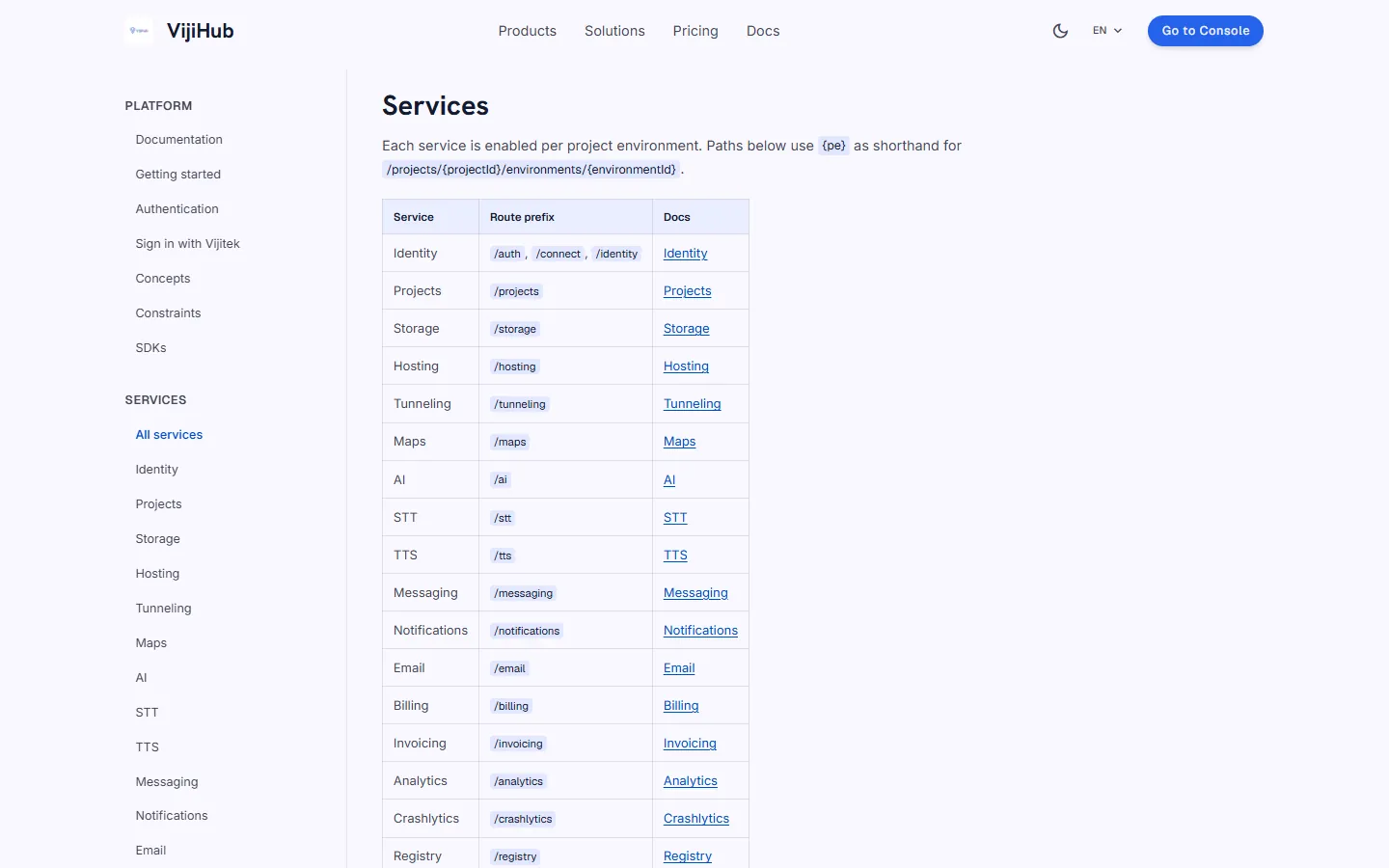
Look up available services, API routes, and integration guides before setting up a project.
Each environment has its own service configuration and API keys.
Enable services and configure their providers for the environment your application will use.
Check the service documentation for the scopes required by your integration and the rules for browser and server keys.
Open the workspace or follow the guide from project setup to your first API request.
Sign in to manage your projects, environments, and services.
Set up an environment and connect your application to the VijiTek Console API.
See how the console and gateway fit together in the VijiTek Console engineering case study
Sign in with your VijiTek account to get started.